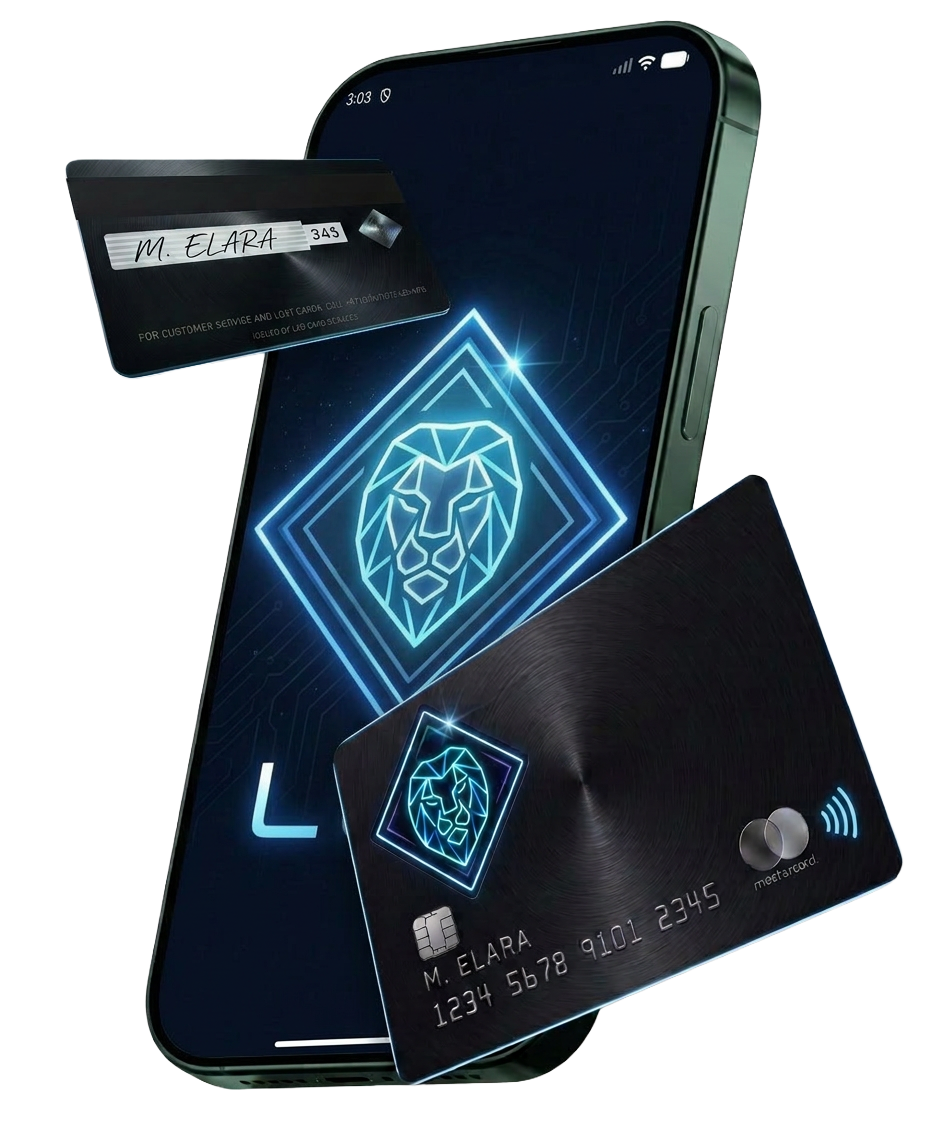
NFC makes crypto card payments quick at shops, cafes, transport gates, and other supported terminals. A failed tap can still happen because of phone settings, card placement, terminal issues, or signal interference. The good news is that most NFC problems have simple fixes. A few checks can restore a smooth payment experience and keep contactless crypto payments working with less hassle.
Check your NFC setting
Start with the NFC setting on your phone or card device. Ensure NFC is active before trying another payment. Some phones switch NFC off after certain battery or security changes. Open the connection settings and confirm that NFC remains enabled. For mobile wallets, also check that your crypto card sits as the default payment card. Another card may take priority and stop the intended transaction from reaching the terminal.
Place the card correctly
NFC works across a short distance, so card placement matters. Hold the card or phone close to the terminal’s NFC symbol. Keep it steady for a few seconds instead of moving it around quickly. With a phone, place the upper or middle section near the reader, depending on the device design. A thick phone case, metal accessory, or magnetic attachment can also interfere with the signal. Remove the case temporarily if the terminal still fails to read the card.
Check the payment terminal
The problem may sit with the terminal rather than your card. Ask the cashier to restart the payment attempt or try another NFC reader. Some terminals show an NFC symbol but lack active contactless support at that moment. Look for a clear confirmation message or sound after tapping. If the terminal shows no response, try another reader before changing several settings on your device.
Keep your device unlocked
Some crypto card wallets require an unlocked phone before a contactless payment works. Unlock your phone first, then hold it near the terminal. Check your wallet settings for biometric or passcode approval requirements. A low battery can also affect payment features on certain devices. Charge the phone and retry if the battery level sits very low.
Check card and wallet status
Open your crypto card app and review the card status, available balance, spending limits, and recent transactions. A declined payment may have nothing to do with NFC. An inactive card, restricted merchant category, insufficient balance, or daily limit can also stop a transaction. If several terminals reject the same card, contact the card provider for account-level support.